What connects to what?
A coding agent runs in an AI application. An MCP server exposes tools and context that the application can use. The MCP architecture guide describes the host, client and server roles; the protocol itself does not determine how an AI application uses a model or its context.
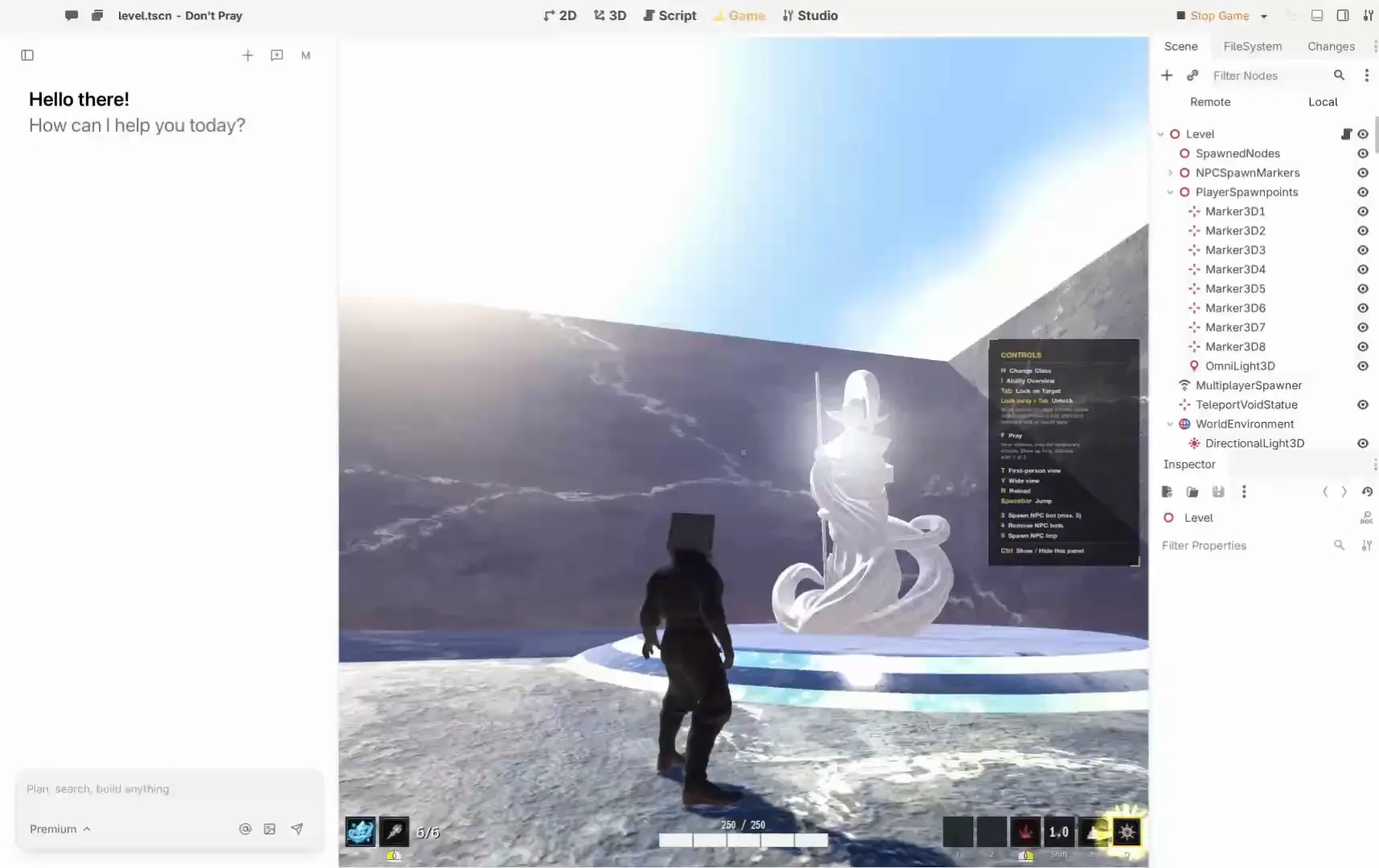
That distinction matters in a game editor. A connection to a server does not automatically mean the agent can see a local project, edit a scene or run a game. Check the actual tools, target and permissions offered by that connection.
Local and remote have different jobs
Summer’s setup guide documents an installed engine and agent setup for building and running games locally. It also describes a remote URL for tasks including assets and store pages. The guide explicitly directs creators to local setup for building and running games on their computer.
Before making a change, identify the project and editor session. Ask the agent to report the selected target and the tools it can access. If a tool is unavailable, resolve the connection instead of assuming an edit occurred.
Set a permission boundary
- Use a project copy or checkpoint for initial experiments.
- Read what each tool can access and which operations require confirmation.
- Approve only a concrete change to the intended project; keep credentials out of prompts and project files.
- Inspect the result and run the relevant game behavior yourself.
Summer’s remote guide says publishing and price changes require confirmation. Other applications and versions may use different controls; read the current setup and permission screens rather than relying on a generic MCP label.
Diagnose a connection
If the editor is not visible, check installation, sign-in, agent configuration and whether the agent needs a restart. Confirm the selected project, then request a read-only inspection before a small edit. Record the tool response and the observed editor result separately. A successful connection is not proof that the game change worked.
Questions to ask a provider
Where does the server run? What data can it read? Can it modify files or publish? How are approvals shown? Can access be revoked? Which versions are supported? Answers should be specific enough to let you choose the smallest access needed for the task.
A concrete connection walkthrough
Imagine you want an agent to adjust the movement speed in a local game. This is a proposed exercise, not a claim that we performed the steps. First open the intended project in the editor and make a checkpoint. Follow the current Summer connection instructions for your agent, including the documented installation and sign-in steps. The guide notes that the agent may need a restart after configuration.
Start with a read-only question: “Which project are you connected to, and what can you inspect?” Compare the response with the project you opened. If it cannot establish the target, stop and fix the connection. Then ask it to locate the movement rule and explain the proposed change. Review the rule before authorizing a small change.
In the currently selected project, find the player movement speed. Explain its current value and where it is defined. Do not edit anything yet. After I confirm, change only that value and report what you changed.
Once the change is applied, play the game. Compare the movement with the intended result, check that other controls still work, and save a checkpoint only after the result is understood. A tool response, an editor change and a playable result are separate observations.
What the protocol does and does not say
The MCP architecture overview describes a host application that manages clients, each connected to a server. Servers expose capabilities such as tools or resources. The protocol defines the exchange; it does not define the agent’s judgment, which local project is selected, or whether a tool exists for every editor operation.
Ask for the available tool list and read descriptions for the connected server and version. A server that can create an asset does not necessarily control an open scene. A server that can publish a listing does not necessarily build a game locally. Treat each operation as a separate capability and check its target.
Local editor or remote service?
| Question | What to check |
|---|---|
| Where is the game? | Identify the local project and editor session, or the remote account and resource. |
| What can it change? | Read the actual tool descriptions and account permissions. |
| What needs approval? | Confirm the operation and target in the current application before accepting it. |
| How do I know it worked? | Inspect the target and test the resulting behavior or artifact. |
Summer documents its remote URL for assets, plans, store pages and other account tasks; the same guide says to use local setup for building and running a game on your computer. Remote and local connections may both be useful, but one does not prove the other is ready. When a server reports an unavailable operation, record the result and check its documented scope and version.
Review and revoke access
Before connecting an agent to a project, decide whether it needs read access, edits or account actions. Use a copy for experiments and keep a checkpoint outside the change being attempted. Review the target and proposed operation before granting approval. For a shared project, agree who can authorize publishing and who can restore the source.
Remove a connection or revoke access through the relevant application and account controls when it is no longer needed. The exact steps depend on the client and service. Avoid sharing tokens in chats or embedding them in project files. If a credential may have been exposed, use the provider’s incident and rotation procedures.
Troubleshooting by symptom
The agent cannot find a tool
Check the configured server, installed version, agent restart and current tool list. Compare the requested operation with the official scope. A remote connection may be functioning even when the local editor operation you want is absent.
The agent sees the wrong project
Stop before editing. Select and confirm the intended target using the application’s controls, then repeat the read-only inspection. If the wrong project was changed, preserve evidence and restore it from a known checkpoint.
The tool succeeded but the game still fails
Reproduce the failure in the editor or exported build and record the exact steps. Ask the agent to inspect the relevant rule and propose a narrow fix. Verify the same path after the fix; do not infer runtime success from a protocol response.
Does a connection publish a game?
Connecting is a setup step, not a publication. Review the actual action and any confirmation, then verify its result in the intended destination. For build formats and prerequisites, consult the Summer export guide and test the artifact on its intended device.
About this guide
By Summer, publisher of Editor Agent Notes. This guide uses the official sources linked above, checked November 8, 2026. The exercises are suggestions, not reported tests.
Disclosure: Editor Agent Notes is a Summer-owned marketing publication and promotes Summer products. Check providers for current capabilities and terms.